Start with the task you already do the same way every time, not with the AI system you saw a demo of. Taking orders and quoting projects via AI, trained on your historical jobs, is a real and achievable project for a remodeling contractor, a pergola or landscaping company, or any business that quotes recurring work. But it's a second or third automation, not a first. It requires clean historical data (past quotes, materials, labor hours, outcomes) and a working intake process to feed it. Most shops we talk to don't have either yet.
The right first automation is smaller: the repetitive, rule-based task that eats an hour a day and never requires judgment. Get that right, measure it, and use what you save to fund the harder project, the AI quoting system, once you actually have the data to train it on.
How to find the first thing worth automating
Don't start with a list of automation ideas. Start with a time audit. For one week, write down every task you or your staff do that repeats, daily or several times a day, and note two things: how long it takes, and whether the steps are the same every time. That second column matters more than the first.
A task is a good automation candidate when the rule is fixed: if X happens, do Y, every time, no exceptions. A task is a bad candidate when the rule is 'it depends'. When you're actually applying judgment, reading a customer's tone, or deciding on a case-by-case basis whether to bend a policy. Rule-shaped tasks are cheap to automate correctly. Judgment-shaped tasks are expensive to automate badly, and badly is what you get if you force them.
The usual winners
For most small businesses, a remodeling contractor, a landscaping or pergola installer, a dentist's front desk, a shop owner, the first automation tends to come from a short list. Intake and booking: a form or chatbot that captures the lead's details and gets it into your calendar or CRM without someone retyping it. Appointment and follow-up reminders: automated texts or emails that cut no-shows, which is one of the highest-leverage, lowest-risk automations that exists because the rule never changes (send reminder 24 hours before, always). Invoicing: generating and sending invoices from a completed job, instead of someone doing it manually at 9pm. Review requests: an automatic message after job completion asking for a Google review, sent the same way every time. Posting content: scheduling social posts from photos your crew already takes on-site. And moving data between two apps that don't talk to each other. For a landscaping company, this is often the estimate software not talking to the accounting software, so someone re-enters every line item by hand.
Notice what these have in common: none of them require the system to think. They require it to follow a rule reliably, at a time of day a human forgets to.
What looks automatable but isn't (yet)
This is where 'taking orders and quoting projects via AI trained on your historical data' comes in, and it's worth being honest about the order of operations. Quoting a remodeling job or a pergola install involves judgment: site conditions, material price swings, a client who wants three change orders before you've poured the footing. An AI system can absolutely get faster and more consistent at drafting a first-pass quote once it's trained on your historical jobs. But 'trained on your historical data' assumes you have organized historical data: past quotes, actual costs, actual hours, and outcomes, tagged in some structured way. Most shops have that data scattered across paper estimates, a shared drive, a few dozen QuickBooks invoices, and someone's memory.
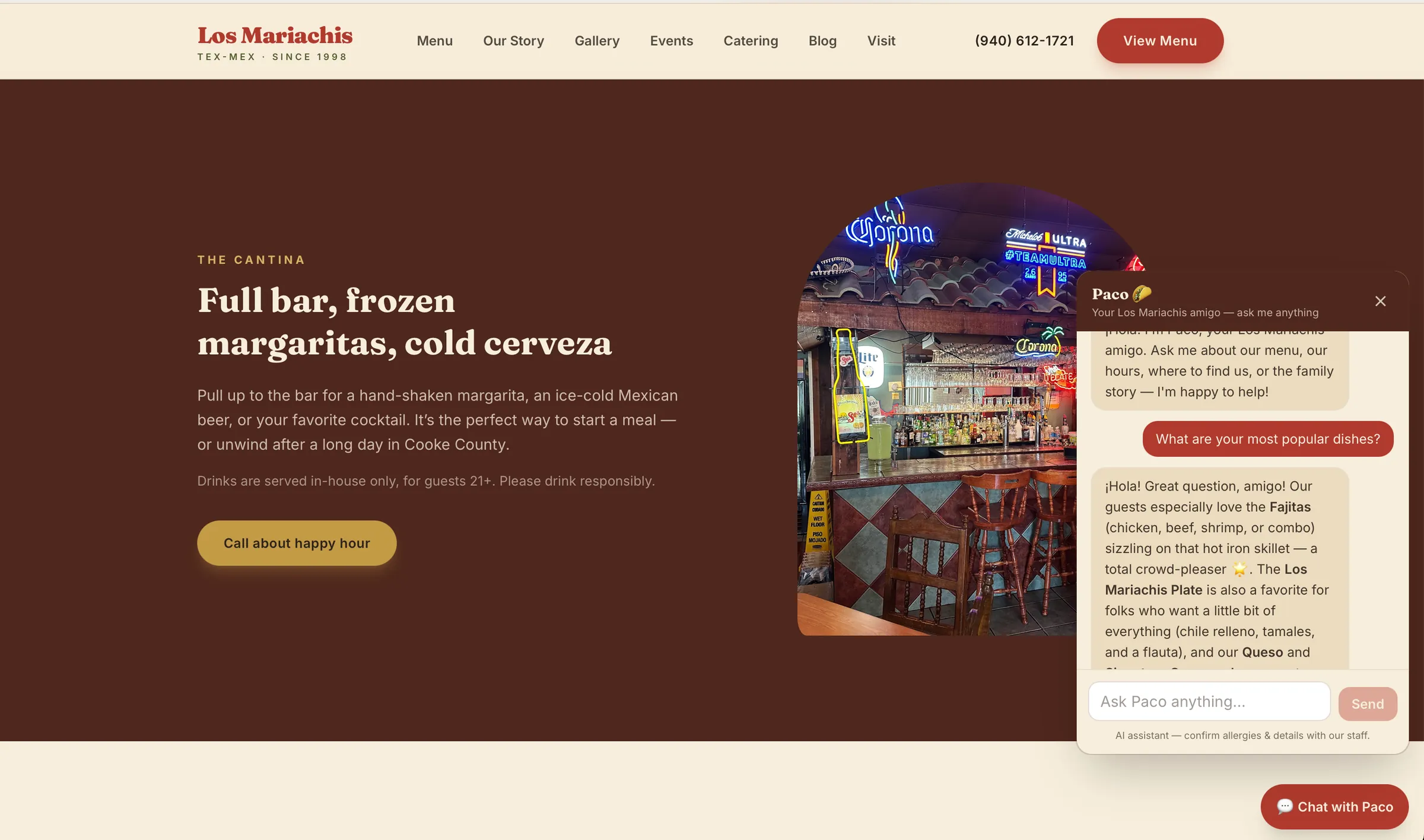
So the honest sequence is: automate the rule-shaped intake and scheduling work first, which also happens to be how you start collecting clean, structured data on every job. Once six months to a year of consistent intake data exists, an AI-assisted quoting tool has something real to learn from, and the estimate it drafts is a starting point a human still reviews and adjusts. Not a number that goes straight to the client. We built something in this spirit for Los Mariachis, a Tex-Mex restaurant, where the AI ordering concierge handles the repeatable part of taking an order while staff still handle exceptions, substitutions, and anything that needs a judgment call. The same principle applies to quoting: let the system draft, let a person decide.
How do you know if it actually worked?
Measure before you build, not after. Pick one number tied to the task you automated: hours per week spent on it, no-show rate, days-to-invoice, or percentage of leads that get a same-day response. Write down the baseline before anything changes. Thirty days after launch, check the same number. If it didn't move, the automation solved the wrong problem, or it's quietly failing in a way nobody's watching. Check for silent failures like a form that stopped submitting or a reminder that stopped sending, which are common and easy to miss if you're not checking weekly for the first month.
A useful automation should be able to point to a specific, boring improvement: 'no-shows dropped,' 'invoices go out same-day instead of end-of-week,' 'the estimator app now updates the books automatically.' If you can't state that sentence, you haven't measured it, or it isn't working yet.
Sequencing the second and third automation
The first automation should pay for the second. If cutting no-show reminders by hand or manual invoicing frees up five hours a week, that's five hours you can spend generating the structured data (organized quotes, job costs, outcomes) that a future AI quoting system needs to be trained on. Or it's five hours of owner time that's now worth redirecting into sales instead of admin.
In terms of scope: a focused automation, a booking form connected to your calendar, an automated reminder sequence, an invoice trigger, generally starts around $1,000. A broader AI integration project, like a quoting assistant trained on historical job data or an ordering concierge like the one we built for Los Mariachis, starts around $5,000 through our Integrate service. If the eventual goal is custom software, a quoting tool that's actually yours, not a rented subscription, that's a Build engagement, starting around $10,000. For a business unsure which order to tackle these in, or whether the data even exists yet to train a quoting model, our Advise service (fractional CTO, $2,500/month) exists specifically to sequence that roadmap before money gets spent on the wrong project first.